* Estimated delivery times start from the date of shipment, excluding processing time.
* Actual delivery times may vary due to holidays, weather conditions, or customs delays.
Безкоштовна стандартна доставка для замовлень понад $9.9
Політика повернення
Повернення товарів приймається протягом 40 днів з моменту отримання товару. Персоналізовані товари не підлягають поверненню або обміну. Товари, придбані за електронною подарунковою карткою, підлягають лише обміну; повернення не застосовується.
Безкоштовний подарунок
Ласкаво просимо до Roymall, вашого професійного сайту для придбання преміальних подарунків універмагу. Ми дуже цінуємо та вдячні за вашу підтримку, і хочемо висловити нашу подяку, додавши додатковий елемент захвату до ваших покупок. Коли ви купуєте у нас, ви не тільки отримуєте високоякісні продукти, які покращують ваш спосіб життя, але й отримуєте ексклюзивний безкоштовний подарунок з кожним вашим замовленням. Готові дослідити нашу колекцію та знайти ідеальні подарунки? Перегляньте наш вибір преміальних товарів універмагу, зробіть замовлення та очікуйте на захват від отримання вашого безкоштовного подарунку разом із покупкою.
Політика доставки
Ми докладемо всіх зусиль, щоб доставити товари після отримання вашого замовлення та переконаємося, що вони надійно прибудуть. Деталі доставки будуть надані у вашому листі з підтвердженням.У більшості випадків замовлення обробляються протягом 2 днів.За особливих обставин це буде затримано наступним чином: Коли ви робите замовлення в суботу, неділю або святкові дні, воно буде затримано на 2 дні..Зазвичай це займає 5-7 робочих днів (з понеділка по п'ятницю), якщо не впливають затримки рейсів або інші фактори навколишнього середовища..Оскільки наша служба доставки є світовою, час доставки залежатиме від вашого місця розташування, тому це може зайняти деякий час, і, будь ласка, зачекайте терпляче, якщо ви знаходитесь у віддалених районах або країнах.
1. Політика повернення та обміну
Ми приймаємо лише товари, придбані на roymall.com. Якщо ви купуєте у наших місцевих дистриб'юторів або інших роздрібних продавців, ви не можете повернути їх до нас.Товари остаточного продажу або безкоштовні подарунки не підлягають поверненню.Щоб товар був прийнятний для повернення, він повинен бути невикористаним і в тому ж стані, в якому ви його отримали. Він також повинен бути в оригінальній упаковці.Після отримання інструкцій щодо повернення від нас, будь ласка, упакуйте товари, які повертаються, і залиште вашу посилку у місцевому відділенні пошти або іншого перевізника. Ми обробимо ваш повернений або обміняний товар протягом 3-5 робочих днів після його отримання. Повернення коштів буде оброблено та автоматично зараховано на ваш початковий спосіб оплати.Не можна повернути або обміняти товари, які були виготовлені на замовлення, включаючи індивідуальний розмір, індивідуальний
колір або індивідуальний друк.Потрібна додаткова допомога, будь ласка, зв'яжіться з нами. service@roymall.com або Whatsapp: +447549870296
2.Політика повернення коштів
Ви отримаєте повне повернення коштів або 100% кредит магазину після того, як ми отримаємо повернену посилку та перевіримо її. Повернення коштів буде оброблено та автоматично зараховано на ваш початковий спосіб оплати.Будь ласка, зверніть увагу, що вартість доставки та будь-які митні збори або платежі не підлягають поверненню. Додаткові витрати на доставку не підлягають поверненню після відправлення посилки. Ви відповідаєте за сплату цих зборів, і ми не можемо їх скасувати або повернути, навіть якщо замовлення повертається до нас.Після отримання та підтвердження вашого поверненого товару ми надішлемо вам електронний лист, щоб повідомити вас, що ми отримали ваш повернений товар. Ми також повідомимо вам про схвалення або відхилення вашого повернення коштів.Якщо у вас виникли проблеми з процесом повернення коштів, будь ласка, зв'яжіться з нами. service@roymall.com або Whatsapp: +447549870296
Specification:
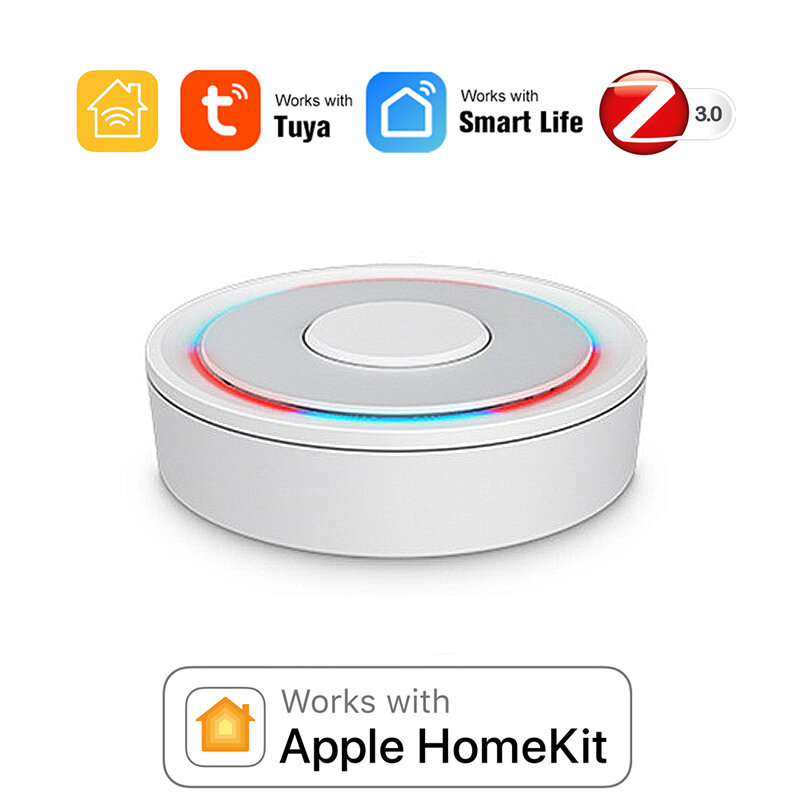
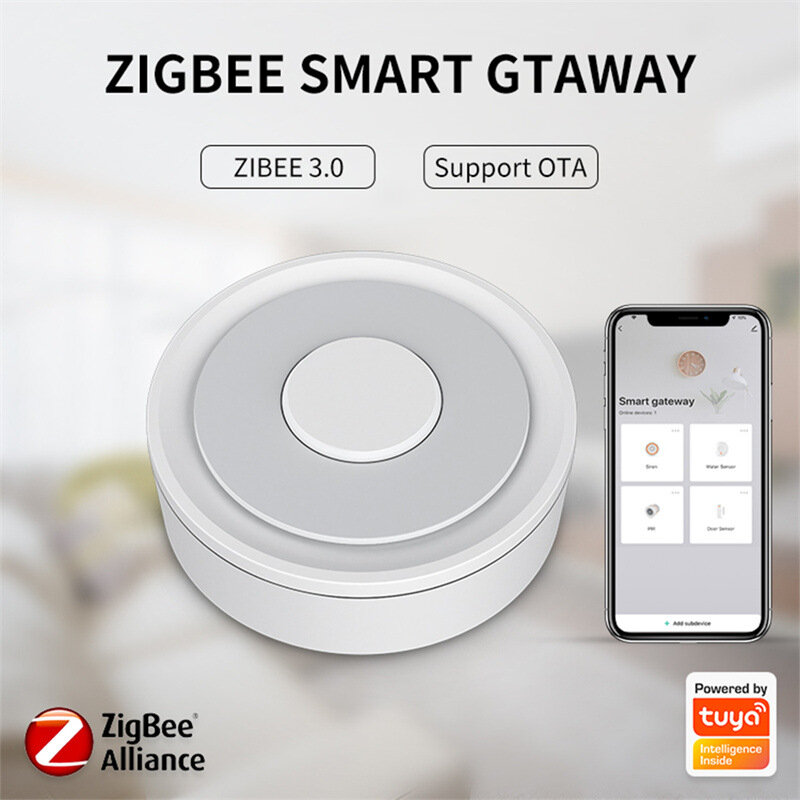
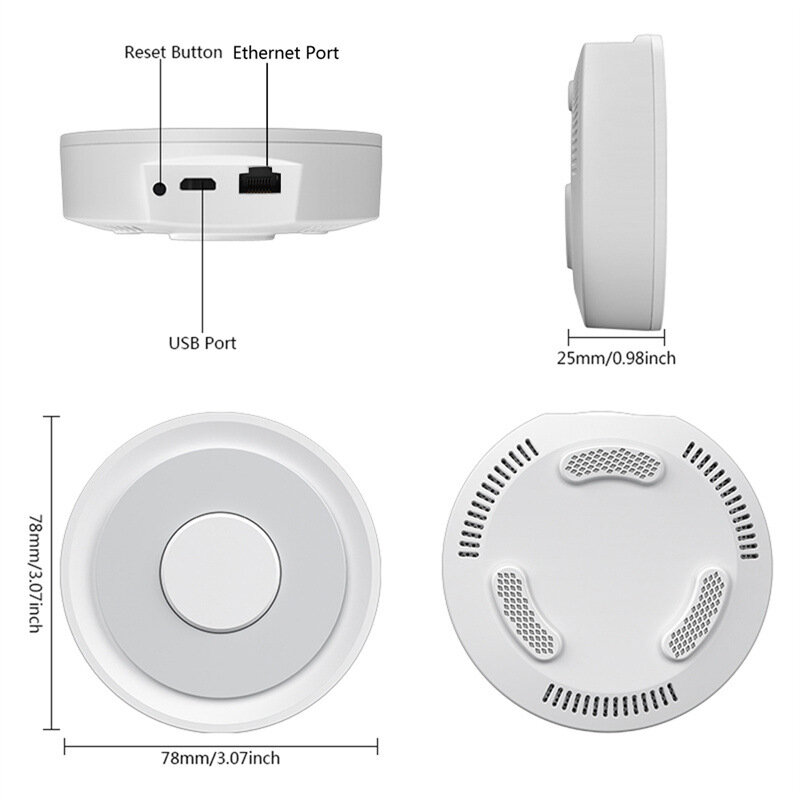
Model Number: Homekit ZigBe Gateway Hub 3.0 Gateway HubUSB power supply: 5V/1A(Power adapter not included)Working temperature: 10C-55℃Working humidity: 10%-90% RUStorage temperature: 10C-55℃Storage humidity: 10%-90% RHNetwork protocol: Zigbe IEEE 802.15.4Product type: Wired gateway(Needs to be connected to the network through the Ethernet Port.)Firmware upgrade: OTA supportSize: 78x78x25MM
Package Include:
1x Gateway
Supplementary Note
:
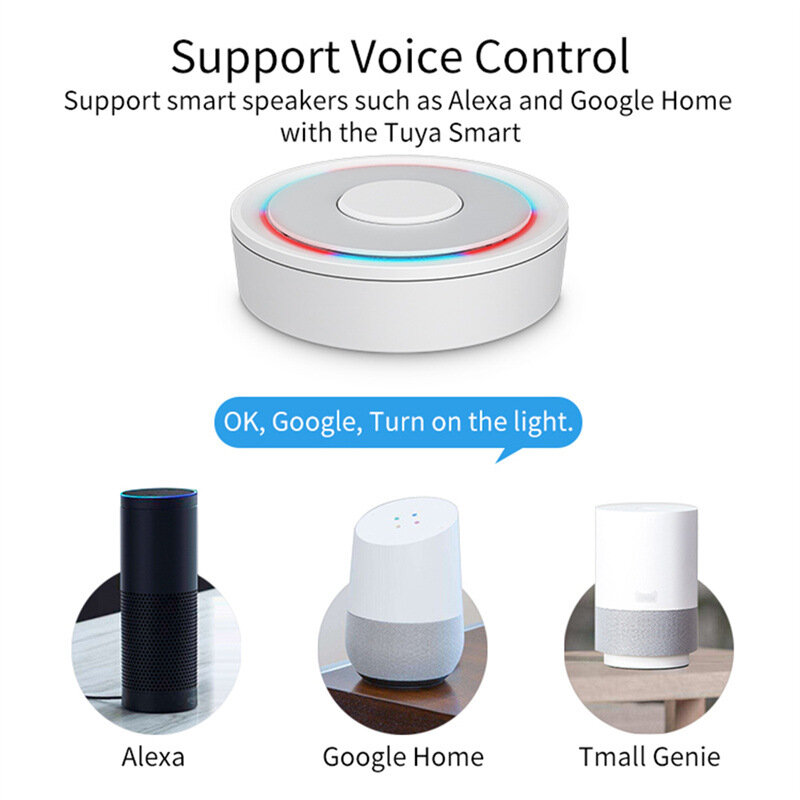
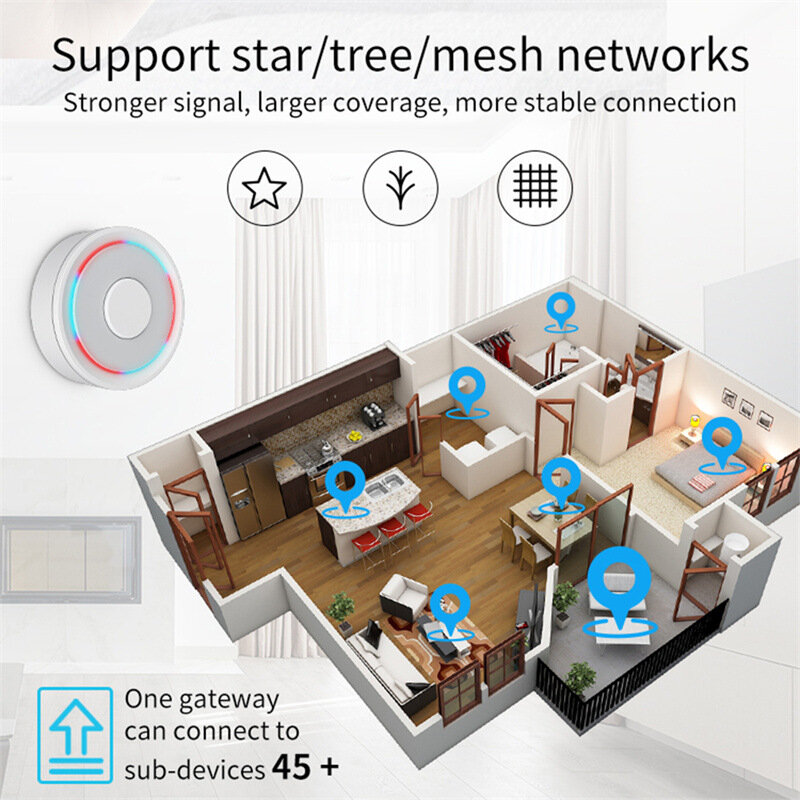
u2460Supports both HomeKit and ZigBe protocols.u2461This device cannot be directly connected to WiFi(Needs to be connected to the network through the Ethernet Port,The Ethernet port is only used for network connection, not for power supply).u2462This is a dual-purpose gateway, which can be used as a ZigBe Hub to connect with TUYA APP, or as a HomeKit Hub to connect with Apple Home APP.u2463If you want your Zigbe smart device to connect to Apple Home APP through this Gateway/Hub, you need to make sure your Zigbe smart device supports HomeKit authentication protocol.u2464When using the TUYA APP, Most Zigbe devices can be added to the gateway. (Non-ZigBe protocol smart devices such as TUYA WiFi smart devices cannot access this ZigBe gateway).u2465When using the Apple Home APP, you can add HomeKit-certified Zigbe devices to the gateway.u2466Only HomeKit certified Zigbe smart devices can be added to the Apple Home APP.Therefore, you cannot connect an uncertified TUYA Zigbe smart device to the Apple Home APP through this HomeKit Hub.u2467When you use Apple Home APP to connect smart devices, you need to make sure that your smart devices are using ZigBe protocol and have been certified by HomeKit, otherwise it will not work, thanks.u2468This gateway is not compatible with the following device: Tuya Zigbe Smart IR Remote (Tuya ZS06), this device requires the Main Module Versin of the gateway must be higher than 1.31.0, and our gateway Main Module Versin is: 1.3.0.u2469Please note: The latest version of the HomeKit APP has been updated. Devices such as gateways and bridges will no longer be displayed on the homepage and the homepage of the default room. You will not see the gateway that has been successfully added to the HomeKit APP in the default room.u246aNon-ZigBe protocol smart devices such as TUYA WiFi smart devices cannot access this ZigBe gateway.
How to find this Gateway in the Apple Home APP uff1fStep 1: Click Home Settings. Step 2: Click Home Hubs & Bridges. Step 3: Click Bedroom NEO Gateway (the gateway you want to find). How to add a sub-device, please refer to the steps of adding a sub-device below. After the gateway is successfully added, there is basically no need to operate in the app, unless you want to delete the gateway, so it is a reasonable arrangement to hide it in the default room. When you need to pair with a smart device, you only need to short press the black button on the gateway. How to restore factory settings:You can restore factory settings by long pressing the black button on the device, but you cannot judge whether the factory settings are successfully restored by factors such as lights. You need to connect the device to TUYA / Smart Life APP first, and then long press the black button on the device. When you see the gateway disappear from your TUYA / Smart Life APP, you can prove that the factory reset is complete. How to use TUYA / Smart Life APP and Apple Home APP at the same time?If you want to use two APPs at the same time, we recommend to connect Apple Home APP first, and then connect TUYA / Smart Life APP, everything will go smoothly. Conversely, when you connect TUYA / Smart Life APP first, then connect Apple Home APP, It will cause the Apple Home APP to fail to connect, and the device cannot be found.
Tips:For questions about your order, place of delivery, product discount, taxation, delivery time, warranty, shipping, payment, exchange rate, and other questions unrelated to the product, please contact customer service.
showing 1-2 of 2|
Show Original
A part of the QA has been auto-translated.
0
Q:
can i use it for zigbee and wireless (tuya compatible devices)
can i use it for both zigbee and wireless (tuya compatoble) devices?
Most Zigbe devices can be added to the gateway when using TUYA APP. (Non-ZigBe protocol smart devices such as TUYA WiFi smart devices cannot access the ZigBe gateway).
Most Zigbe devices can be added to the gateway when using TUYA APP. (Non-ZigBe protocol smart devices such as TUYA WiFi smart devices cannot access the ZigBe gateway)
Answered by Slangw hanger on 14/02/2024Helpful (0)





 Direct purchase from the factory

![[US DIRECT] ATOMSTACK A5 M50 APP Control Dual-Laser Laser Engraving Cutting Machine Laser Engraver Cutter 5.5W Output Power Fixed-Focus 304 Mirror Stainless Steel Engraving DIY Laser Marking for Metal Wood Leather Vinyl](https://static.roymall.com/d/file/mall/titlepic/235/67803406-41f3-499a-afb7-154990584ff8.jpg?x-oss-process=image/resize,w_237/quality,Q_80/format,webp)

![[EU/US Direct]Raiser for LONGER RAY5 Engraver](https://static.roymall.com/d/file/mall/bigpic/235/65e9b76d-574a-4b4b-9c6c-02db18b89460.jpg?x-oss-process=image/resize,w_237/quality,Q_80/format,webp)
![[US/UK Direct] Refurbished ULTIMEA Nova S70 3.1.2 Soundbar 390W True Dolby Atmos Soundbar BassMax 4K Dolby Vision HDR Passthrough 3EQ Modes Wired Speaker Subwoofer](https://static.roymall.com/d/file/mall/titlepic/235/e1440062-c78c-4565-8aa7-f8857d749771.jpg?x-oss-process=image/resize,w_237/quality,Q_80/format,webp)



 Multi Rotor Parts
 Безкоштовний подарунок
 Політика доставки
 Політика повернення